
WRONGTAB.LOL PRESENTS
BOOM IRL
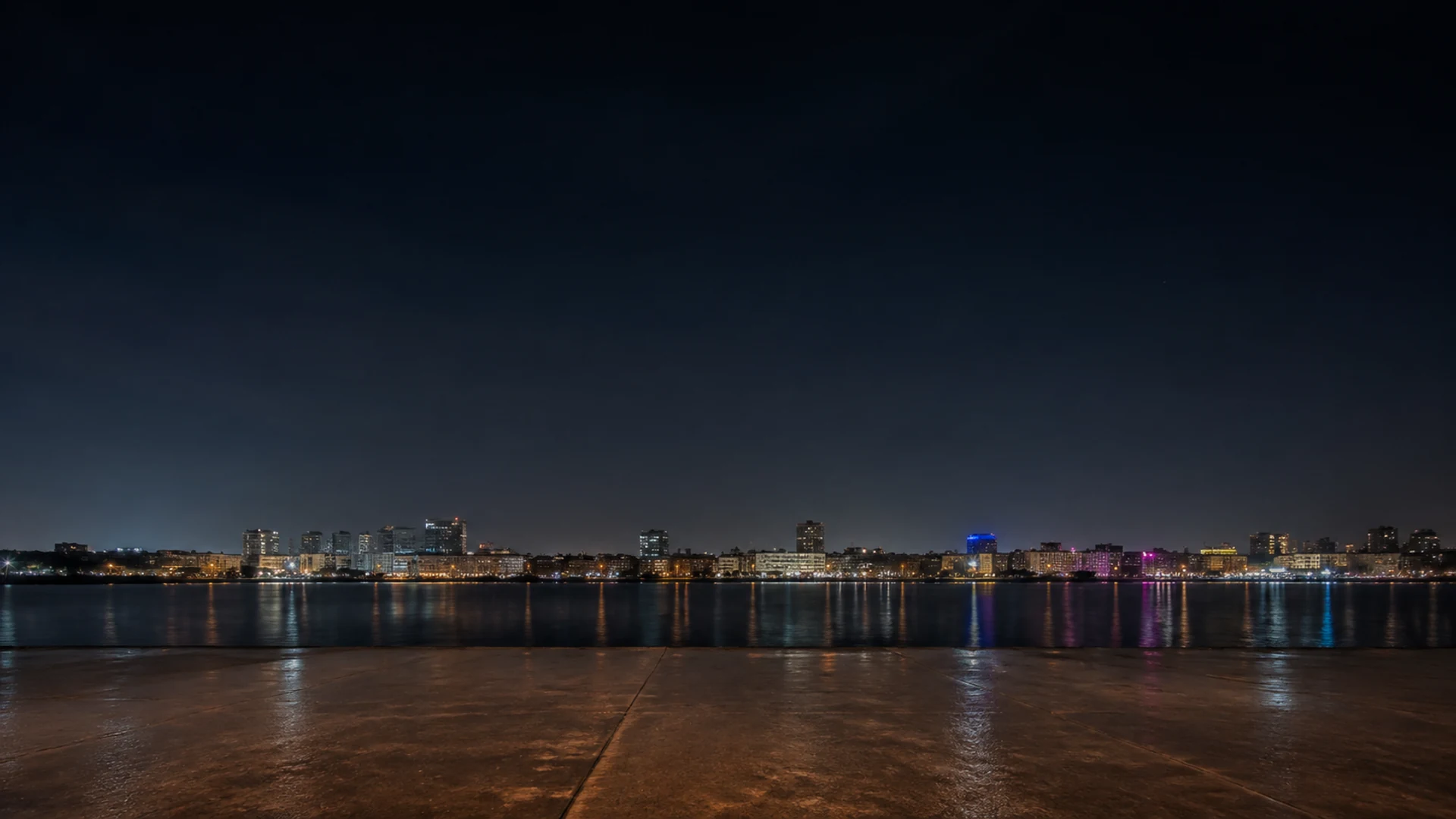
City harbour · night6 on the ground
LIGHTING THE FUSES…
1 · CHOOSESELECT A FIREWORK
Tap to select · drag to position
Contains bright flashes and sound.
Firework show ready.
6 fireworks placed, 0 selected, 0 groups.
Firework show ready.
6 fireworks placed, 0 selected, 0 groups.
Build your own fireworks show in BOOM IRL, a free fireworks simulator. Arrange up to 1,000 placed launchers, choose a scene and launch them with sound. Large shows depend on your device’s performance.
BOOM IRL is a free online fireworks simulator and creative sandbox that runs in your browser. Choose a venue and a Night or Twilight sky, then select a firework from the tray. Tap the launch strip to place it, drag it from the tray or use Place selected. Launchers sit on the ground strip, not anywhere in the sky. Select a placed launcher to move or tune it before launching.
Place a Fountain on the left, a Peony in the middle and a Willow on the right. Fountain makes a low sparkling fan, Peony opens into a round burst, and Willow leaves long branches that fall through the sky. Choose One by one and launch to see each effect begin in placement order. Replay with Together to compare the overlapping result. Then change just one launcher’s colour or height and replay; keeping the others unchanged makes the difference easier to see.
One by one staggers the launchers in the order you placed them. Together starts all launchers at once, but their climb times and repeated shots can still make bursts appear at different moments. Finale uses a shorter gap, orders launchers by their preset intensity and starts the last three together. With three or fewer launchers, Finale starts them all together, so add a fourth if you want to see its build-up.
Select a placed firework while the show is stopped to open its colour choices and Size, Height and Trail sliders. Size changes the burst’s spread, Height changes the launch height, and Trail changes the length of its streaks. Try a smaller burst beside a larger one, or a short trail against Willow’s hanging branches. Use the selected launcher’s bin button to remove only that firework. Clear removes the whole arrangement. Surprise replaces it with a fresh 12-launcher finale, so use it when you are ready to start a different show.
Use the sound controls to decide whether to hear launches and bursts. Fullscreen gives the effects more room: use the header button or press F, then Escape to leave fullscreen. On browsers without fullscreen support, the game uses a full-window layout instead.
Explore simulators, clickers and ASMR
Browse all free browser games on Wrongtab →